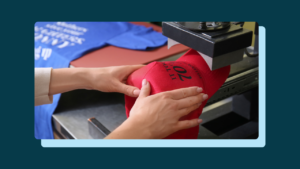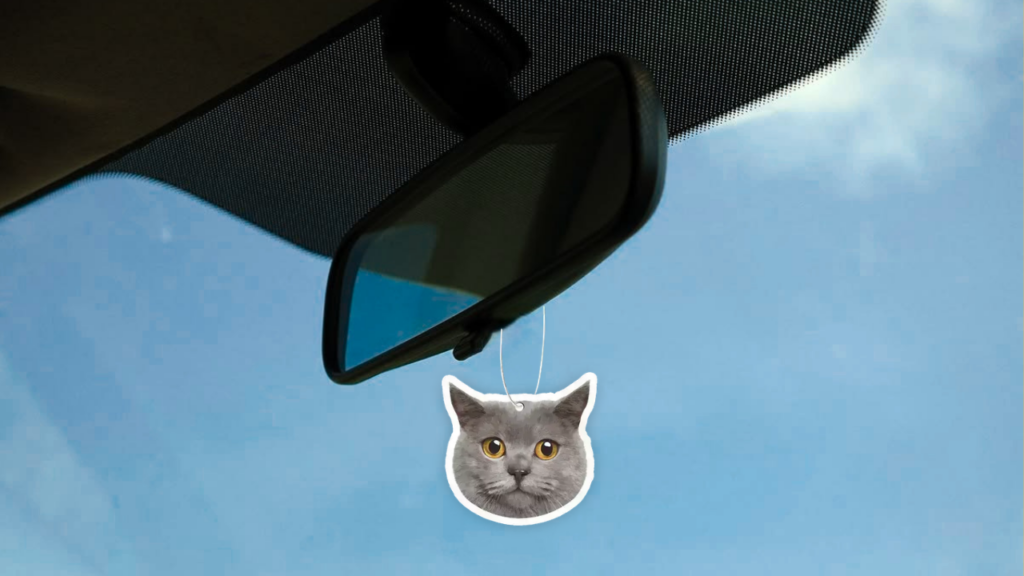
If you’ve ever bought a custom air freshener with your dog’s face on it, there’s a good chance Instafreshener made it.
They’ve processed nearly 500,000 orders through Order Desk, using it for far more than just routing orders. We asked the team how they use it every day, and it turns out it helps run their entire production process.
One store. Three ways of making products.
Everything Instafreshener sells is custom.
There isn’t really a product catalog. The customer is the designer.
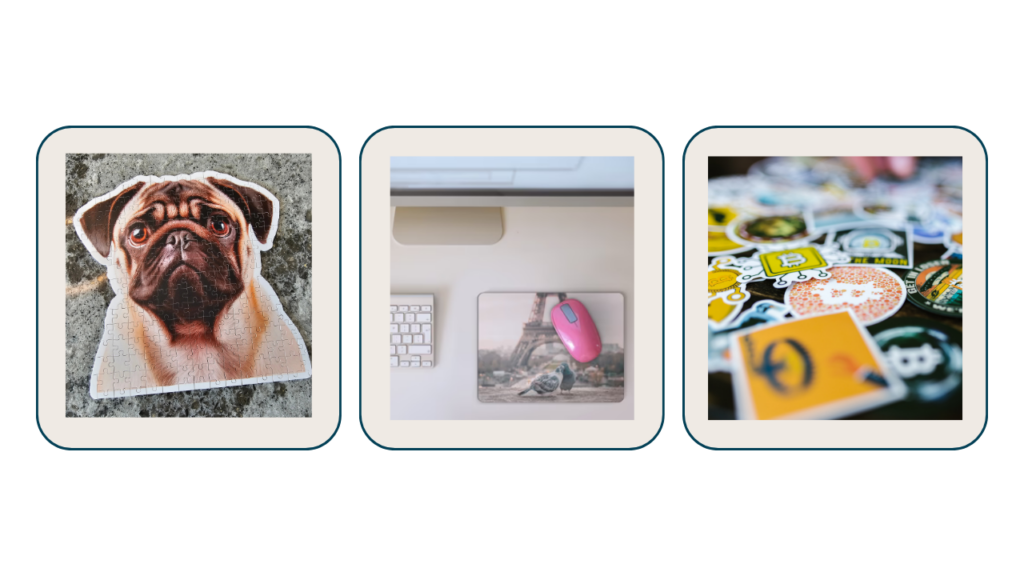
People upload a photo of their dog, a business logo, their kid’s artwork, or even a wedding date, and Instafreshener turns it into products like air fresheners, stickers, magnets, puzzles, drinkware, and more.
Behind the scenes, they have three different production lines:
- UV flatbed printing for air fresheners, puzzles, and big heads.
- Wide-format latex printing for stickers and magnets.
- Sublimation for mousepads, key tags, and drinkware.
Customers create their products using online design tools, then every Shopify order lands in Order Desk.
From there, Order Desk figures out where the order items needs to go, pulls in the customer’s artwork, and gets everything ready for production.
No one has to sort orders by hand.
Here’s where it really saves them time
Imagine having to look at every order and decide which machine should make it.
That might be manageable when you’re getting a handful of orders a day. It gets a lot, lot harder when you’re processing hundreds of orders.
Instead, Instafreshener built a set of Order Desk rules that does the sorting automatically.
Everything stays in one place, everyone can see the order status, and the team spends less time moving files around and more time making products.
Their favorite Order Desk features
When we asked what tools they use the most, two things came up over and over: Rules and the API.
Together, they’ve helped Instafreshener build a workflow that fits the way they work instead of forcing them into someone else’s process.
They’ve built a few automations on top of both:
- Customer artwork is automatically sorted into the right production folders.
- Packing slips include the customer’s actual design, so whoever is making the order can quickly double-check they’re printing the right thing.
- Artwork is automatically cropped and prepared for print before production starts.
They also store links to their print-ready artwork inside Order Desk, so every part of their workflow pulls from the same place.
Their advice if you’re just getting started
Their biggest piece of advice?
Spend some time planning your workflow before you start building rules.
Think about how orders move through your business, where they should go, and what information each step needs. Getting that foundation right makes everything easier later.
They also recommend using custom metadata from the beginning. Things like artwork links, print files, or product information can travel with the order, making it much easier to automate your workflow as your business grows.
One last thing: don’t assume you need a developer.
A lot of the automations they use today started with describing what they wanted to an AI tool in plain English and building from there. Order Desk gives you the flexibility, and today’s AI tools make it much easier to turn an idea into a working workflow.
Beyond that…
Instafreshener started out fulfilling wholesale orders before expanding into DTC, where anyone could design and order their own custom products. Today, they’re building a partner API so other businesses and dropshippers can send custom orders straight into their production pipeline.
Through every stage of that growth, Order Desk has stayed at the center of their workflow.
During the holidays, they’ve processed tens of thousands of orders in a short period without needing to rebuild how their operation works.
And if you’re wondering what people order the most…
It’s custom pet photo air fresheners.
“They’re the product people get the most emotional about,” the team told us. “That never gets old.”
Connecting Instafreshener to Order Desk
Want Instafreshener to handle fulfillment for your custom products? Here’s how to get set up.
1. Get approved by Instafreshener
Reach out to the Instafreshener team first. They’ll approve your store and send you a Customer ID for the Order Desk integration.
2. Connect the integration
In Order Desk, head to Manage Integrations, open the Print on Demand tab, and select Instafreshener.
Enter your Customer ID and click Connect.
3. Choose your workflow
Decide which folders orders should move into after they’re submitted and where they should go once tracking comes back.
You can also set your default shipping class here.
4. Add a few product fields
Each product needs a few pieces of information:
- print_sku: the Instafreshener product SKU.
- print_url_1 (required): your main print-ready artwork.
- print_url_2: an optional second artwork file for products like air fresheners and two-sided key tags.
- print_url_3 and print_url_4: only if Instafreshener asks for extra artwork files.
Once that’s done, the rest happens automatically.
Orders flow from your store into Order Desk, get sent to Instafreshener for production, and tracking information comes back once everything ships.
Read the full setup guide here.