Order Desk Insiders
Join our free community
Ecommerce pros and Order Desk users are swapping strategies, troubleshooting workflows, and staying ahead of industry trends together in our exclusive Facebook group, Order Desk Insiders.
Already using Order Desk?
Click here to log in →
Risk-free, 30-day trial that includes full access to Order Desk!
Customer stories
Three businesses that traded spreadsheets and manual routing for automated order management.
Routing to print partners
Orders from Shopify and Etsy are routed to three print partners automatically, and tracking comes back without anyone touching it. Today they’re making seven figures with a three-person team.
Rules and the API
Nearly 500,000 custom orders have gone through Order Desk. Rules sort every Shopify order to the right one of three production lines, with the customer’s artwork ready to print.
One place for every order
Marker boards, sticky notes and spreadsheets gave way to one central hub every employee can see. “Order Desk automated what we were already doing.”
Unique, proprietary tools that adapt to your business, whether you sell on five channels, ship from five suppliers, or print on demand.
Use the Rules Engine to split orders, add data before they’re sent for fulfillment, filter by country, and route every item to the right vendor.
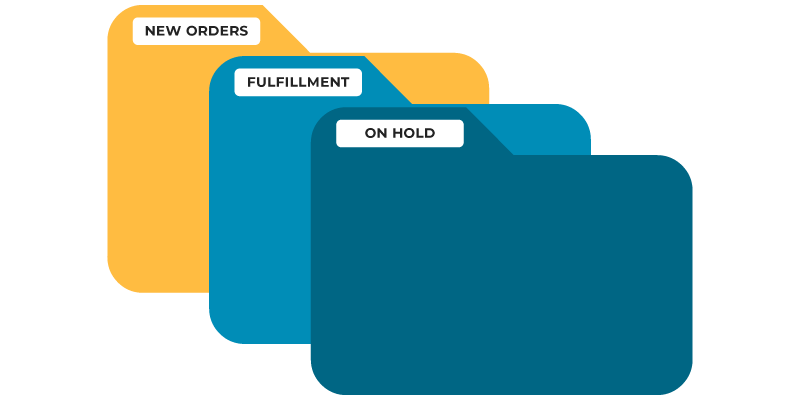
Orders from all your stores and marketplaces land in custom folders you control. Filter and sort by any order detail.
Every plan includes all integrations, and our transparent pricing adapts to your business volume.
Orders from your stores and marketplaces land in folders you control, ready for your rules to route them to the right vendors.

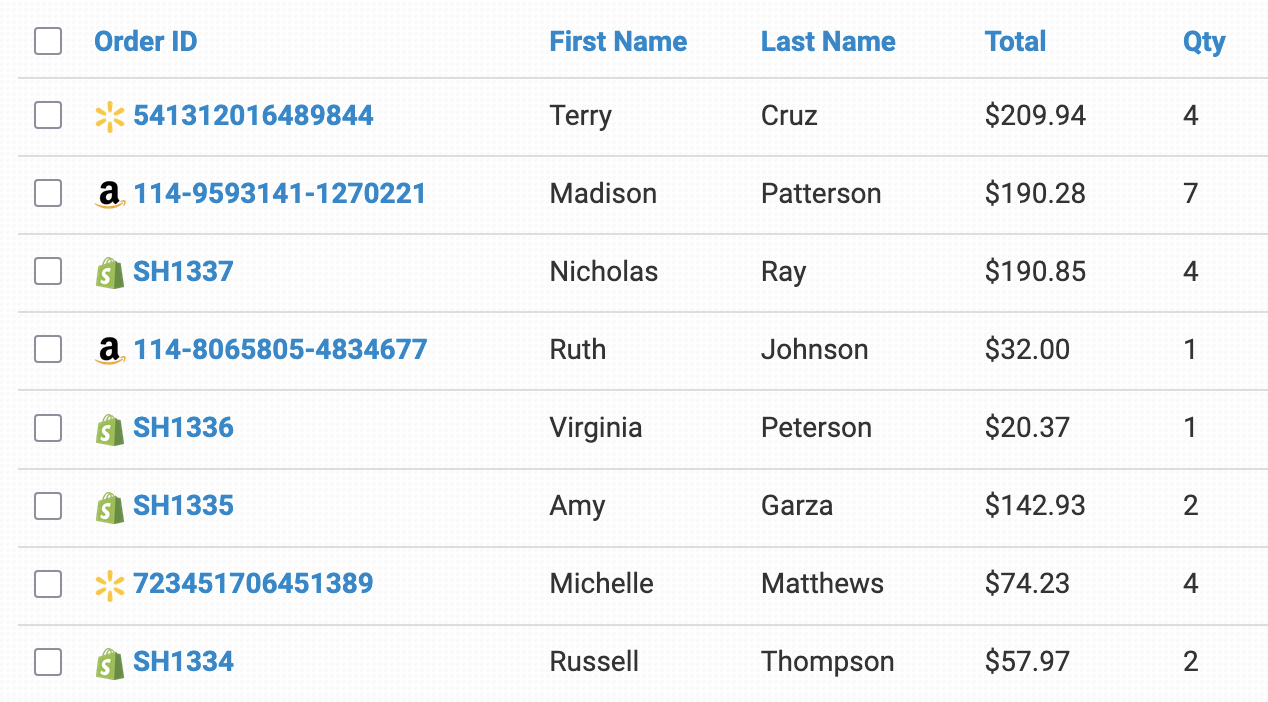
Import orders from Shopify, Amazon, eBay, Walmart, TikTok Shop, WooCommerce, and more into one dashboard, and sync tracking and inventory counts back to your channels.
See multichannel order management →Split orders by supplier and send each one its part by integration, by email with a link to add tracking, or as a CSV sent by email or FTP.
See dropship order management →Add product codes and artwork to every order automatically, split orders between printers, and submit them to providers like Printify, Gelato, and Gooten.
See print on demand order management →Submit orders to fulfillment services like ShipBob, ShipHero, and Amazon Multi-Channel Fulfillment, and pull warehouse inventory into your store counts.
See order management for suppliers →Adding new software to your tech stack doesn’t need to be intimidating. We’ve boiled it down to three basic steps.
We’ve seen just about every kind of store you could imagine. Let our onboarding wizard help walk you through some of the basics.
Order Desk is most powerful when it’s used to connect your channels together.
Ecommerce pros and Order Desk users are swapping strategies, troubleshooting workflows, and staying ahead of industry trends together in our exclusive Facebook group, Order Desk Insiders.
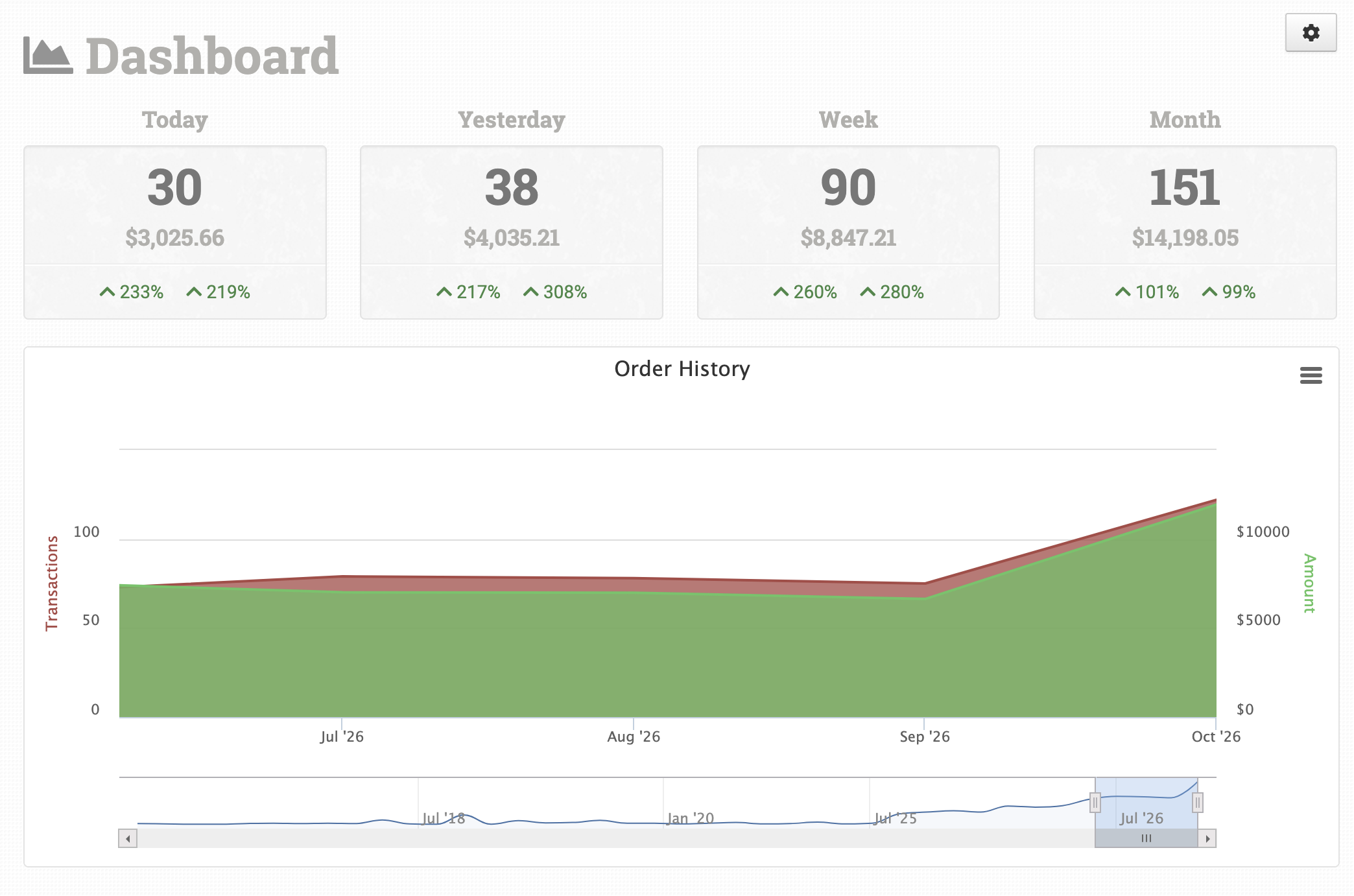
Order Desk is an order management tool that connects your storefronts, fulfillment services, print-on-demand providers, and other tools. It imports your orders, lets you split, filter, and organize them with rules, sends them to the right place for fulfillment, and syncs tracking and inventory back.
Yes. Connect Shopify, Amazon, eBay, Walmart, Etsy, TikTok Shop, WooCommerce, and more, and orders from all of them land in one dashboard. See all integrations.
You can still automate it. Send the supplier a dropship email with a link to add shipment details, or build an export template that creates a CSV in the format they need and sends it by email or FTP.
Save each product’s product code and artwork URL on its inventory item, and Order Desk adds them to every new order, splits orders between printers, and submits them automatically. Read the walkthrough.
Yes. When orders ship, Order Desk can send tracking back to the channel they came from, including Shopify, Amazon, eBay, Etsy, TikTok Shop, and WooCommerce.
Pricing is published on our pricing page, and every plan includes all integrations. New stores get a 30-day free trial with full access.