Order Desk Insiders
Join our free community
Ecommerce pros and Order Desk users are swapping strategies, troubleshooting workflows, and staying ahead of industry trends together in our exclusive Facebook group, Order Desk Insiders.
Already using Order Desk?
Click here to log in →
Risk-free, 30-day trial that includes full access to Order Desk!

Goldleaf, Shopify App Store review

Murphy Door, Inc., Shopify App Store review

Throughline Coffee Co., Shopify App Store review
Save your print details once, and Order Desk handles every order from checkout to the printer.
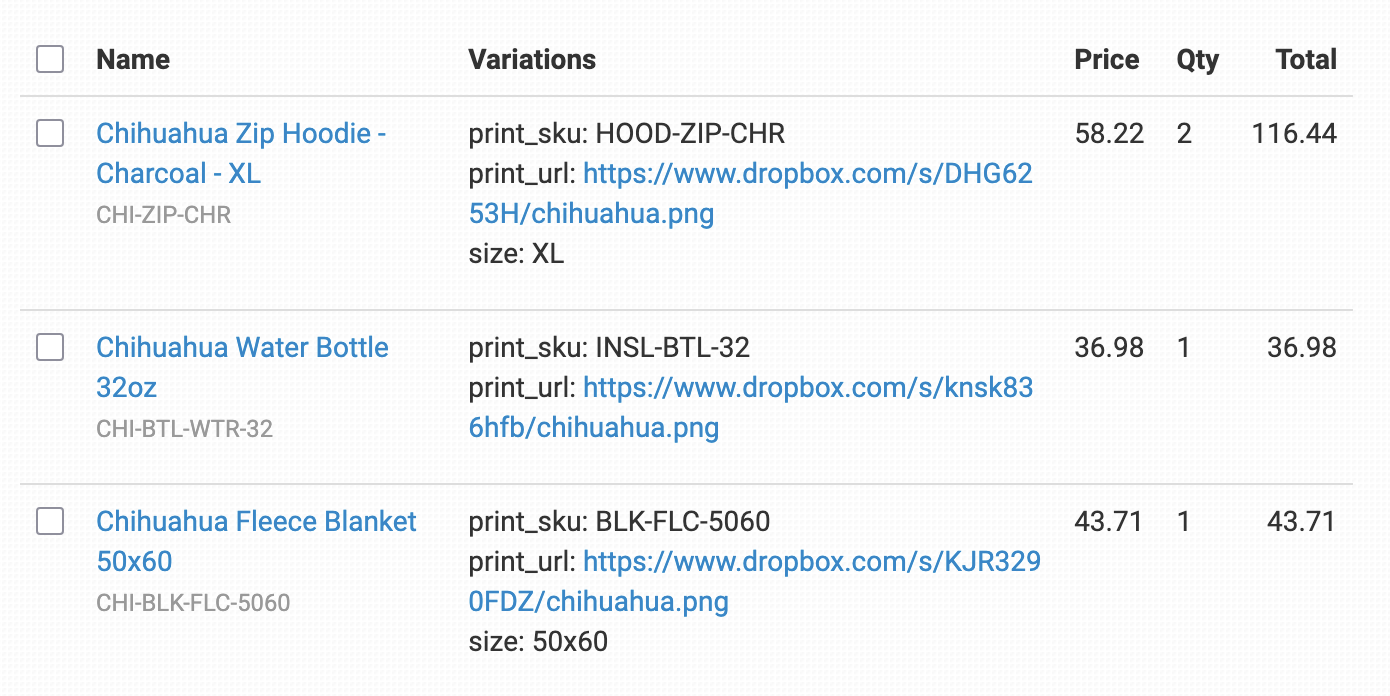
Store each product’s code and artwork URL on its inventory item, or import them by CSV, and they sync into every order as it downloads.
Split orders by printer and submit each part automatically. Match product codes to send the same product to more than one printer.
Every plan includes all integrations, and our transparent pricing adapts to your volume. Adding another printer doesn’t mean buying another module.
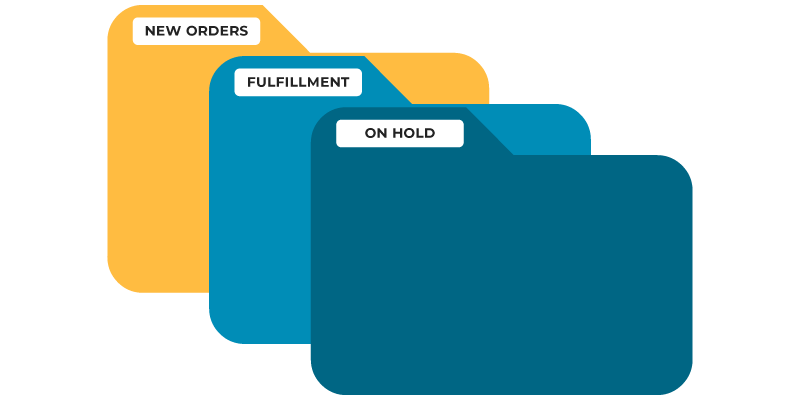
Orders arrive with their product codes and artwork already attached, then move through the folders you set up as they’re split and submitted to each printer.
Store each product’s code and artwork URL on its inventory item, or import many at once from a CSV. With Add Inventory Details to Order Items on, they sync into every order.
How inventory details sync →Orders split by the printer saved on each item, and each part is submitted automatically. Match Product Codes lets you send the same product to more than one printer.
How to split orders between printers →Convert color variations between printers, or turn one SKU into a bundle of several product codes.
Color conversion and bundles →Add SKUs to Product Code Skip and they won’t be sent to that print provider.
How Product Code Skip works →After an order is sent, Order Desk checks for shipment notifications, adds tracking when the printer ships, and syncs it back to your store.
How submissions and tracking work →Every submission is logged in the order’s history, so if something goes wrong you can fix the details and resend.
How to fix and resubmit an order →Automating print-on-demand fulfillment comes down to three steps, and you only have to set up your print details once.
Set up your Order Desk store in 5 minutes or less, then start bringing in orders from your shop.
Our onboarding wizard covers the basics, so you can get to the important part: adding your product codes and artwork.
Connect your store and print providers, add your print details, then turn on rules to send orders automatically. We recommend submitting manually for the first few days.
Ecommerce pros and Order Desk users are swapping strategies, troubleshooting workflows, and staying ahead of industry trends together in our exclusive Facebook group, Order Desk Insiders.
Connect your store and your print provider to Order Desk, then save each product’s code and artwork URL on its inventory item. With Add Inventory Details to Order Items turned on, those details sync into every new order, and an Order Rule triggered by “Order is Imported” submits it. See the print on demand fulfillment walkthrough.
Yes. Order Desk can split orders by the printer saved on each item and submit each part to the right provider. With Match Product Codes, you can also set up the same product to be sent to more than one printer.
Order Desk integrates with dozens of print providers, including Printify, Printful, Gelato, Gooten, Prodigi, SwiftPOD, and Monster Digital. See all integrations.
Import a CSV with each product’s name, your SKU, the product code, the artwork URL, and the printer name. Order Desk saves those details on your inventory items so they’re added to future orders automatically.
Yes. After an order is sent to a printer, Order Desk checks for shipment notifications and adds the tracking details when the printer ships. It can then sync tracking back to your store, including Shopify, Etsy, WooCommerce, and TikTok Shop.
Pricing is published on our pricing page, and every plan includes all integrations, so adding another printer doesn’t mean buying an add-on. New stores get a 30-day free trial with full access.