
Order Desk Insiders
Join our free community
Ecommerce pros and Order Desk users are swapping strategies, troubleshooting workflows, and staying ahead of industry trends together in our exclusive Facebook group, Order Desk Insiders.
Already using Order Desk?
Click here to log in →
Risk-free, 30-day trial that includes full access to Order Desk!

Goldleaf, Shopify App Store review

Joshua L., wholesale, Capterra review

Dolce Italiana, Shopify App Store review
Whether your supplier has an integration, an inbox, or an FTP server, Order Desk gets them the orders they need.
Split orders as they import, using your store’s vendor field or the supplier saved on each inventory item, so every item goes to the right place.
Submit to integrated suppliers directly, or send orders by email or as CSV exports by email or FTP, in the format each supplier needs.
Every plan includes all integrations, and our transparent pricing adapts to your volume. Adding another supplier doesn’t mean buying another module.
Each supplier gets only their part of the order. When they add tracking, it lands back on the order in Order Desk and syncs to your storefront.
Turn on a rule and Order Desk submits orders for you through integrations like ShipBob, ShipHero, or Amazon MCF.
Send each supplier a dropship email with their part of the order and a link to add shipment details. Whatever they enter updates the order in Order Desk automatically.
Build an export template in the exact CSV format a supplier needs, then send it automatically by email or FTP.
Split by your store’s vendor field or item tags so each supplier only receives its own items. Print-on-demand integrations also offer Product Code Skip for specific SKUs.
When orders ship, tracking syncs back to Shopify, WooCommerce, eBay, Amazon, TikTok Shop, and more.
Automating your dropshipping doesn’t mean changing how your suppliers like to work. Here’s how most stores get going.
Your new Order Desk store is ready to use in 5 minutes or less.
Our onboarding wizard walks you through the basics, so you can spend your time setting up suppliers instead of hunting through settings.
Connect your store, then set up each supplier by integration, email, or export. We recommend submitting manually for the first few days, then turning on rules to automate it.
Ecommerce pros and Order Desk users are swapping strategies, troubleshooting workflows, and staying ahead of industry trends together in our exclusive Facebook group, Order Desk Insiders.
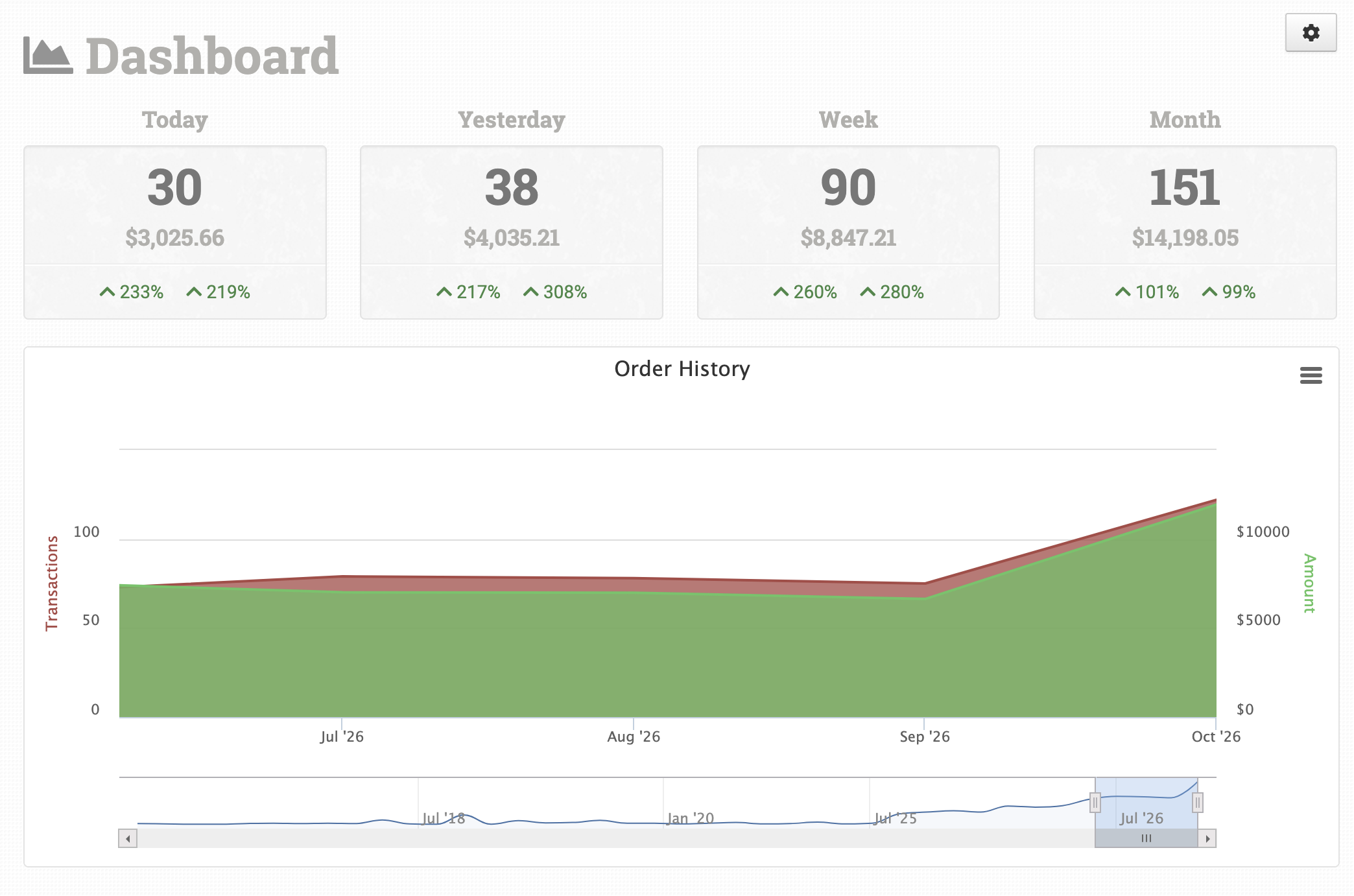
Connect your store to Order Desk, then tell Order Desk which supplier fulfills each item, either with your store’s vendor field or by saving the supplier on each inventory item. A rule splits each order as it imports and sends every part to its supplier by integration, email, or export. See how to split and dropship orders for separate vendors.
Yes. Order Desk can split orders by the supplier saved on each item, and one rule can handle all of your suppliers at once, so you don’t need a separate rule for every vendor. Shopify sellers can also split by vendor or by fulfillment location as orders import.
You can still automate it. Send the supplier a dropship email with their part of the order and a link to add shipment details, or build an export template that creates a CSV in the format they need and sends it by email or FTP.
When a supplier adds shipment details through their dropship email link, the order in Order Desk updates automatically. Order Desk can then sync tracking back to your store, including Shopify, WooCommerce, Etsy, eBay, Amazon, and TikTok Shop. Shopify can email the customer when the order is marked fulfilled.
We recommend submitting orders manually for the first few days so you can see how the process works and catch any errors. Once you’re comfortable, turn on rules to submit orders automatically.
Pricing is published on our pricing page, and every plan includes all integrations, so adding another supplier doesn’t mean buying an add-on. New stores get a 30-day free trial with full access.