Multi-channel order management, automated

Bring orders from Shopify, Amazon, eBay, Walmart, TikTok Shop, and more into one place, route each one to the right warehouse or supplier, and sync tracking and stock counts back to your channels.

  • Every channel in one dashboard
  • Hundreds of integrations
  • 5-star support

Risk-free, 30-day trial that includes full access to Order Desk!

"We use OrderDesk to decide where to fulfill products based on customers' shipping addresses."

Harkla, Shopify App Store review

"Phenomenal, powerful and infinitely customizable, I cannot praise Order Desk enough. It has become the hub of our multi-channel business."

Photography Backdrop Club, Shopify App Store review

"Order Desk has helped us connect to more selling channels and warehouses for our clients than we ever thought was going to be possible."

Ryan E., Capterra review

There's a better way to manage your orders from multiple channels

The Old Way

  • Logging into every channel to process orders
  • Copying tracking numbers back one by one
  • Overselling because stock counts drift

The New Way

  • Orders from all your channels in one place
  • Rules route each order to the right warehouse or vendor
  • Tracking and inventory sync back automatically

Built for sellers on more than one channel

Every store and marketplace has its own dashboard, order format, and shipping rules. Order Desk gives you one place to run them all.

Route Every Order Automatically

Use the Rules Engine to split orders, filter by country, add data before orders are sent for fulfillment, and send each item to the right warehouse, 3PL, or supplier.

One Dashboard For Every Channel

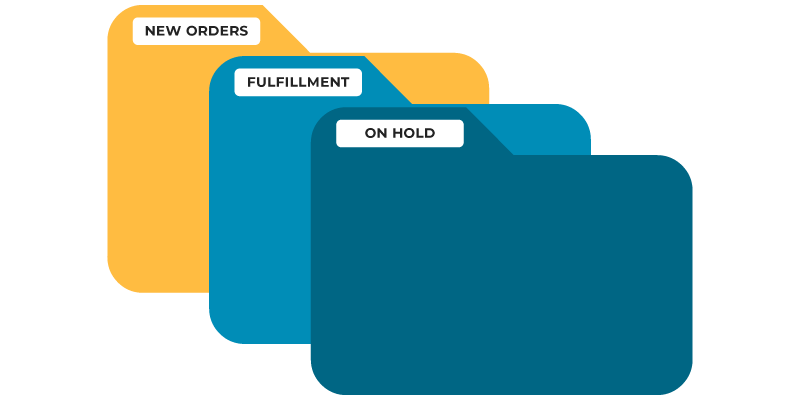
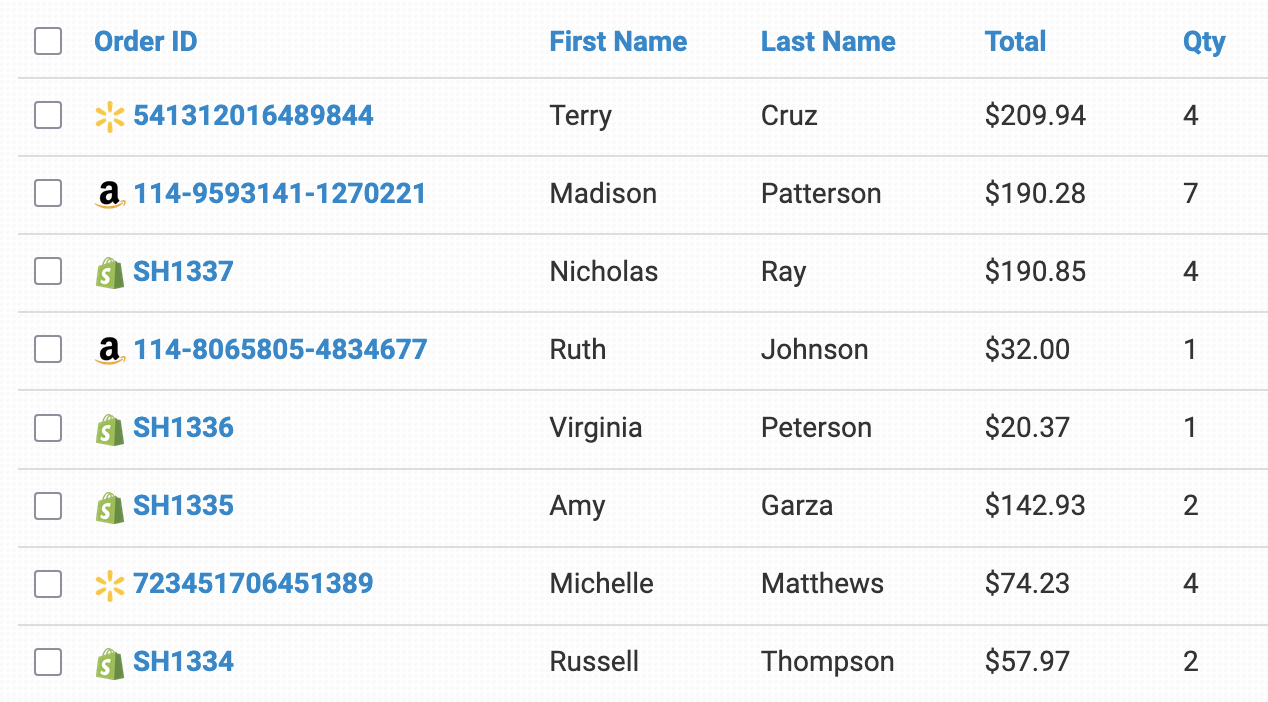
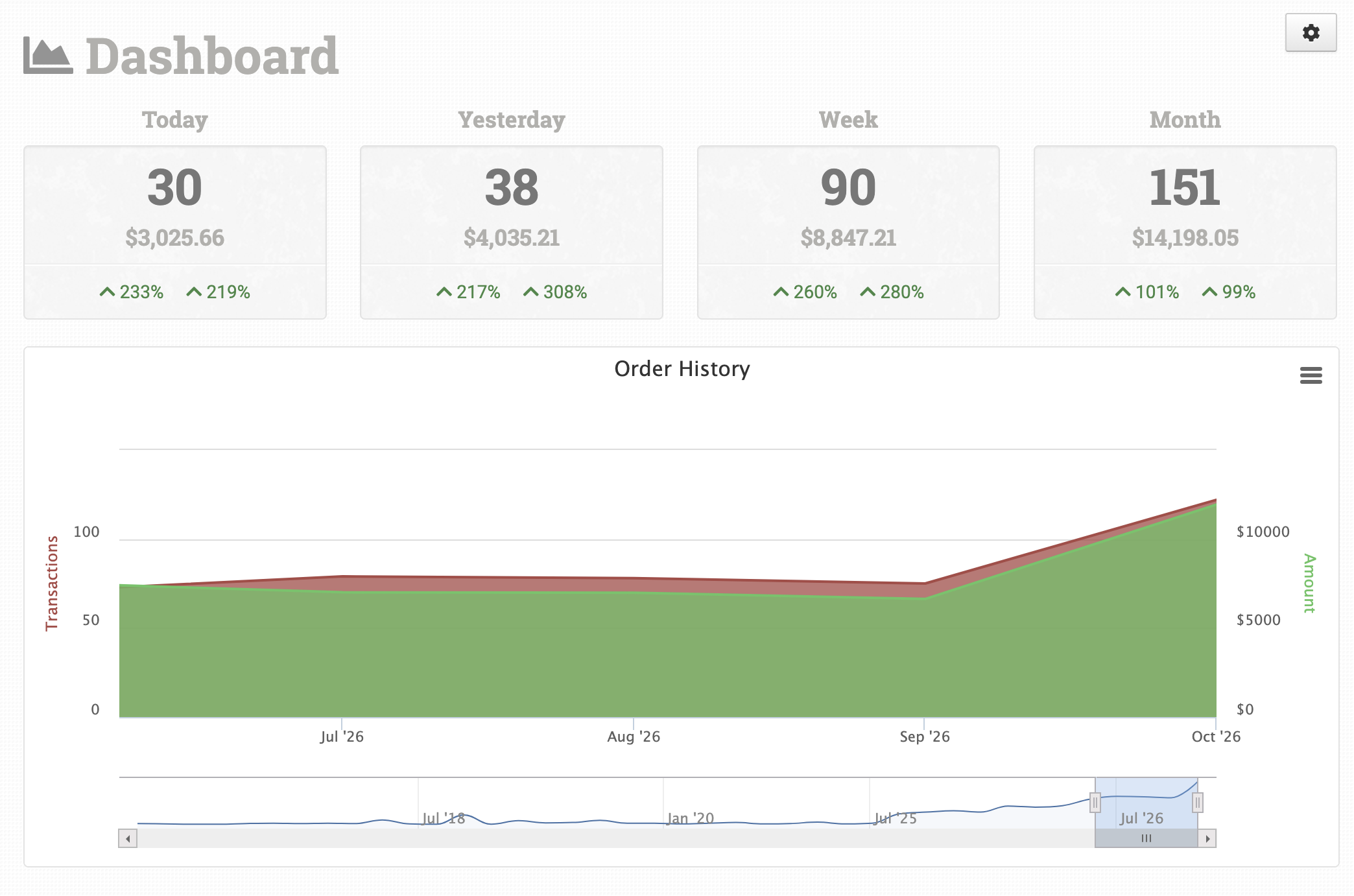
Orders from all your stores and marketplaces land in custom folders you control, so you can filter, sort, and see every order’s status at a glance.

Add Channels Without Add-Ons

Every plan includes all integrations, and our transparent pricing adapts to your volume. Adding another marketplace doesn’t mean buying another module.

Every channel flows into one Order Desk

Stop switching between seller dashboards. Orders from each channel land in one place, and tracking and inventory sync back out.

ShopifyAmazoneBayWalmart
   

Screenshot of the Order Desk app

What Order Desk does for each channel

Shopify logo

Shopify

Instant order download, split by vendor or fulfillment location on import, tracking and inventory synced back, plus optional order and product metafields.

Amazon logo

Amazon

Automatic order download, inventory counts and tracking synced back, cancel Amazon orders from Order Desk, and support for multiple marketplace regions.

eBay logo

eBay

Automatic order download, inventory counts and tracking synced back, choose which orders to download by financial status, and automatic order prefixes.

Walmart Marketplace logo

Walmart

Automatic order download, inventory counts synced back, automatic checks for returned orders, Walmart Marketplace in the USA, Canada, and Mexico, plus Walmart DSV in the USA.

TikTok Shop logo

TikTok Shop

Automatic order download, inventory counts and tracking synced back, and support for multiple TikTok Shop regions.

WooCommerce logo

WooCommerce

Instant order download, inventory counts and tracking synced back, mark orders completed from Order Desk, and filter imports by inventory location.

BigCommerce logo

BigCommerce

Instant order download, inventory counts and tracking synced back, scheduled checks for missed orders, and refund BigCommerce orders from Order Desk.

Amazon Multi-Channel Fulfillment logo

Amazon MCF

Send orders from your other channels to Amazon for fulfillment, match your SKUs and shipping options to Amazon’s, and sync tracking back to the original cart.

Selling under more than one account on the same channel, like two Shopify stores? Add a separate Order Desk store for each one, switch between them from one login, and keep inventory synced between your stores.

Bring every channel together in three steps

Pulling all your sales channels into one place is simpler than it sounds. Here’s how most sellers get started.

Create your store

Create your Order Desk store in 5 minutes or less. Selling under more than one account? Add a store for each and switch between them from one login.

Complete the onboarding

Our onboarding wizard walks you through the basics before you connect your first channel.

Connect your channels

Connect each store and marketplace you sell on, then the warehouses and suppliers that fulfill your orders. Order Desk is most powerful when it’s connecting your channels together.

One Minute Product Demo

See Order Desk in action

Watch a quick one-minute overview of how Order Desk keeps orders from every channel moving.
Order Desk Insiders

Join our free community

Ecommerce pros and Order Desk users are swapping strategies, troubleshooting workflows, and staying ahead of industry trends together in our exclusive Facebook group, Order Desk Insiders.

Multi-channel order management FAQs

Connect each store and marketplace to Order Desk, and orders from all of them download into one dashboard. From there you can organize them in custom folders, filter and sort by any order detail, and use rules to route each order to the right warehouse, 3PL, or supplier.

Order Desk connects to sales channels including Shopify, Amazon, eBay, Walmart, TikTok Shop, WooCommerce, BigCommerce, Wix, Squarespace, Ecwid, and Big Cartel, plus hundreds of fulfillment services, print shops, and business tools. See every integration.

Yes. When an order ships, Order Desk can send the tracking number back to the channel it came from, including Shopify, Amazon, eBay, TikTok Shop, and WooCommerce, so you don’t have to copy it over by hand.

Order Desk can pull inventory from your warehouse and automatically update the stock counts at your online marketplaces, including Shopify, Amazon, eBay, Walmart, TikTok Shop, and WooCommerce. If you run more than one Order Desk store, you can also keep inventory synced between them.

Yes. The Rules Engine lets you split orders, filter by country, and send each order or item to the right fulfillment service automatically. You can even use Amazon Multi-Channel Fulfillment to ship orders from your non-Amazon channels.

Yes. Create a separate Order Desk store for each account, like two Shopify stores or two eBay accounts, and switch between them from the same login. You can link their billing to an existing store or pay for each separately.

Pricing is published on our pricing page, and every plan includes all integrations, so adding a new channel doesn’t mean buying an add-on. New stores get a 30-day free trial with full access.

Ready to automate?
Start your risk-free 30-day trial today.